Double Dragon
A downloadable game
*** THIS IS A EARLY RELEASE, EXPECT GLITCHES ***
*** ALL LEVELS ARE NOW PLAYABLE, STILL SLOW BUT IMPROVING ***
# double_dragon
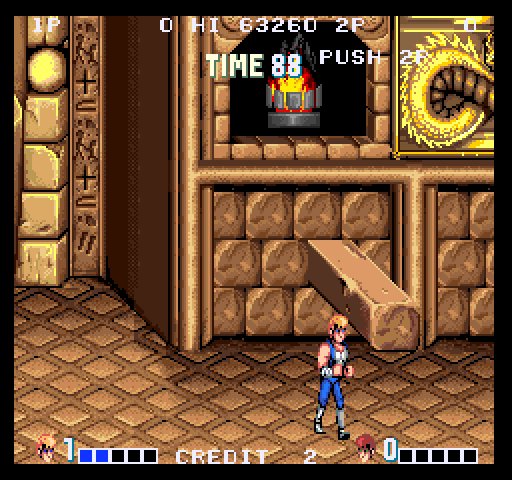
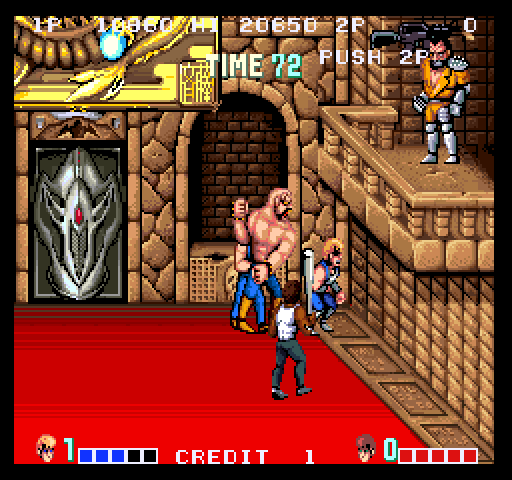
port of Double Dragon for Amiga
Requires a 3-button joystick, CD32 pad, or the keyboard
Features:
- 25 FPS for AGA amigas, 128 colors
Note:
AGA version runs on A1200 with 4MB fastmem: full sfx & music, arcade approaching colors. It still needs some optimizations
so expect it to run faster in newer releases. Also expect an ECS version
Credits:
- jotd: reverse-engineering, 68000 transcode, graphics conversion
sound conversion for the Amiga.
- no9: music
- PascalDe73: icon
Instructions:
5: insert coin
1/2: start game
arrows/joystick: move
red/ctrl: kick
blue/alt: jump
green/space: punch
new in beta 2:
- fixed some glitches
- 2 player controls with num keypad
- more optimized code
new in beta 3:
- added some missing frames (player 2, punk at level 2)
- hand-optimized code
Download
Click download now to get access to the following files:
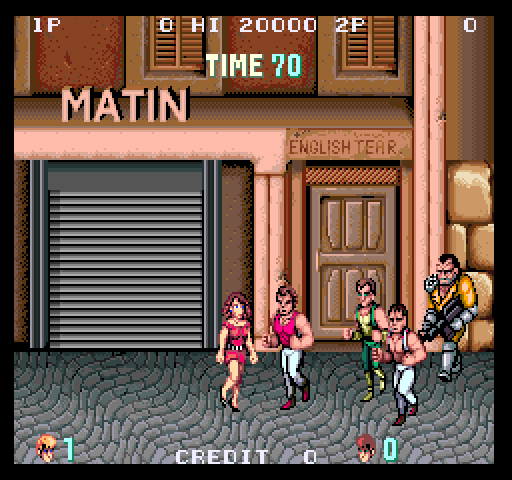
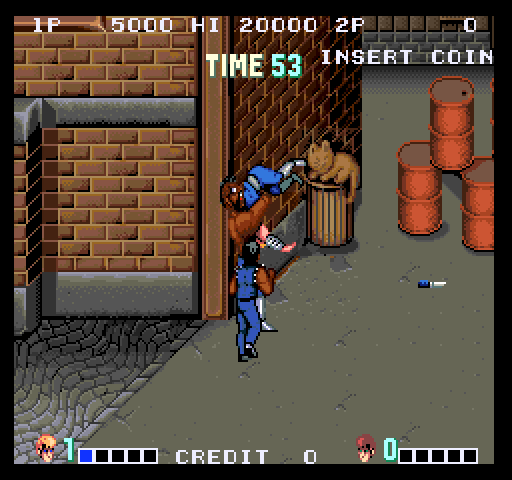
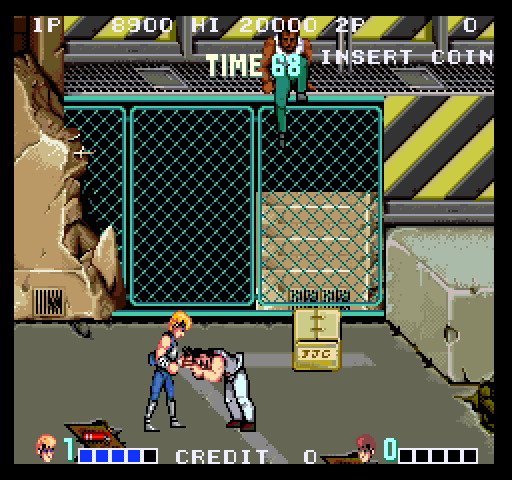
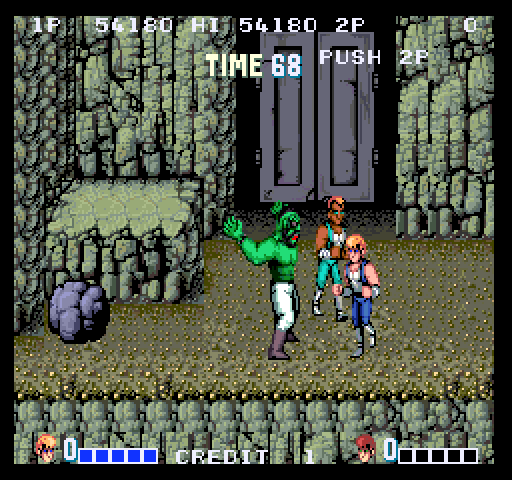
Comments
Log in with itch.io to leave a comment.
Awesome!
The gun now goes with willy when he takes it off the wall. I also found 3 more errors. Did this on emulation. Before the bridge when you fight both abobos in level 3 a little bit of graphics corruption can be seen on the bottom of the screen if you scroll down there. The elevator in level 2 the light on the top of it do not move when it spawns enemys. And last the final area where you fight willy a backround tile is unstable. Also a lot faster, later in the week I will try it on a real amiga.
yes, the graphical errors you reported are known. Is it really faster? Wow. That would be awesome.
I fixed the batocera controls on my one multicade. The core option's input setting for port 2 was mouse. I changed it to joystick and smooth sailing with controls.
Nice port. Runs quite well on A1200 030@40. Slows a bit down when multiple enemies on screen. Many (like me) have 2 button joysticks. Idea: trigger jump by pressing button1 and joystick up at the same time...
Ok got the game running on pi 4 retroarch with puae2021 and all setting set to default except the z3 fast ram set 256. So, now anybody with a pi 4 can play this game.
This is so good of a port. I think it is the best arcade port I have played on the amiga yet. Strong words I know. Will you be giving Double Dragon II the same treatment.
thanks! Double Dragon 2 seems way more challenging. More sprites, faster action. Possible if I can speed the first opus to some point.
Found a new bug. Minor at best. When willy goes to take is gun off the wall the gun is still hanging on the wall after he comes down to fight. Extremely minor.
ah that's expected, I will fix this.
Don't know why but pi4 libretro puae batocera has trouble running this. it runs it too slow on the same settings I run it on pi5. It could be an update issue it could be something else. When puae is updated in batocera 44 it may fix the issue.
Awesome!
Fixed the sound issue on my alternate arcade machine. It runs off retroarch and the problem was the Sound Separation was at 100%. Changed it to 50% and was perfect sound wise.
shweeeeeeeeeeet!
Excellent game!
The game froze on the area after the bridge with infinite lives on and linda froze in place on the conveyer area. Amiga 1200 pistorm. Also figured out the batocera thing the controls are messed up on batoceras end. Sorry for being an ass about things.
Ok played this without infinite lives and game played through fine no errors. This is just a theory; I played outrun amiga edition before the first play and the game froze. I have a variety of amiga hardware and every time I play outrun amiga edition before a game the next game seems to freeze any amiga I own.
So, it might not be the infinite lives function after all.
that's wierd all right! Maybe some component is heating up. I didn't have issues with Outrun on my 060. For me the freezing factor is leaving the CF card in the pcmcia drives. Freezes whdload games randomly.
Got the batocera controls working. Select Amiga Keyboard in the controls option. Map the arrow keys to the joystick directions. Map south to Keyboard A, East to Keyboard W and R bumper to Keyboard D. Also Start to Keyboard 1 and Select to 5, for the credit and start button. DO NOT DO THIS IN THE BATOCERA FRONTEND! Do it in the puae control settings in the game in the retroarch in game menu. Remember to save your keymaps for this game and this game only! This works on a properly mapped 6 button joystick better than a controller. Finally have fun. A side note you will not be able to use cheats (you have infinite credits so don't worry). And you may have some trouble selecting the file (just move the cursor down a little and then up a little till the doubledragon file is highlighted).
What I described above seems to only be with DragonRise joysticks.
I have another machine that I tested the game on and it runs with only some sound and the joysticks on the machine have a xbox 360 joystick encoder. The controls behave fine. I believe the second machine I tested it is mono, so maybe the few sounds that did not come out need stereo?
well, the game uses sfx only on one or 2 channels, and there are priorities so everything can more or less be ok on 4 channels. So sometimes there are compromises.
Excellent arcade conversion, looking forward to it. I added it to my video along with other games released in April.
Another great arcade conversion, but you can only fully enjoy it with a 3-button gamepad or by using the keyboard. You can play it with a 2-button joystick too, but you'll have to forgo the jumping sections or use the keyboard for that movement. Our German-language preview can be found at 02:24:43. English subtitles are also available. 🙂
Is there a version of this that works on a500 mini?
if AGA is supported I don't see why not. But I don't have this hardware.
:-)
Great game!
Every time I get to the area near green abobo I pick up the first rock, throw it towards the right the game crashes on me. I don't have a good camera to capture the coredump error code.
Played this on emulator with the settings z3 fast ram "256" and processor at "68040"
I also played it on my pistorm amiga. Through the shared folder on AGS. The amiga I own is a 1200 AGA and RTG unit hence the pistorm. Played this AGA.
Happened with both setups.
thanks for the bug report. A new version is on its way and fixed most of bugs including this one.
Got to the end of level 3 and when I get to level 4, I end up in a black void. Did not try on my amiga 1200 pistorm this time only emulation. Alpha 2
yes, I have fixed it now
Was able to complete game. On level 3 there was one spot of discoloration on a tree right after the bridge and on level 4 there was a spot on the beginning of the level and near the final arena. All in all, I had a good time and would except the game as the final release in this condition. Played on emulator with same settings above. Did not play on my amiga 1200.
Also, of note this does not run on a500 mini.
I tried this on my tabletop arcade with latest batocera and while all of the other games function fine, this does not work controls wise at all. On retroarch on a computer it runs fine. It may be my dragonrise joysticks. They emulate mouse for whdload then joystick. Final fight enhanced boots the same way with me having to click on the file in the window and runs fine on the tabletop. This does not at all. I switch to cd32 controller, and I can't control my character. This is only emulation with puae. The game works fine on puae retroarch on my computer and a real amiga 1200.
Fantastic!!!!!
Great game, thanks.
Awesome!
Finally, the Double Dragon port the Amiga deserves!
I've tried it on my Amiga 1200 with a TF1260 and it works really well, even with the glitches. A couple of things:
- The 50Hz mode runs quickly and smoothly, better than the arcade version; however, when there are several enemies on screen, it slows down too much and the game becomes unplayable. I hope that in future versions it might work better, because it’s brilliant, very Amiga-like.
- I haven’t managed to get my CD32-compatible controllers to work fully; only the jump and kick work here. An option to remap the controls—for the keyboard and joystick/joypad—would be great.
Apart from that, thanks and great work! For me, having a good port of this game is the best news I could have received, because it was always our favourite arcade game.
Excellent.
@jotd One recommendation. For keys, it would be better to have the pyramid layout. Ideally, S (Jump), Z (Punch), X (Kick) or since a lot are using these for modern games, W, A, D (to give some space to the fingers).
Awesome arcade game !
Fantastic!
awesome addition to the list of conversions
SHWEEEEEEEEEEEEEEET!